Specops Password Policy

Blocks weak, banned and breached passwords for Active Directory accounts.

"Enforces stronger password policies in Active Directory, helping organisations block weak and breached passwords and reduce the risk of account compromise."

Apply and enforce Active Directory password rules; block banned and breached passwords

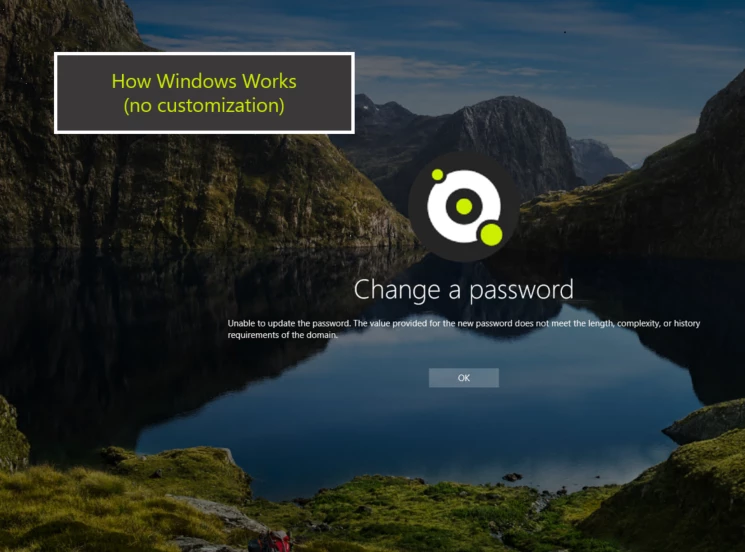
Many organisations find native AD password controls insufficient for preventing reused or compromised credentials. Default complexity rules can be bypassed, and there is no built-in check against large breached-password datasets.

Specops Password Policy enforces configurable composition rules, consults banned and breached-password lists, and blocks non-compliant passwords during change or reset. It operates within Active Directory and hybrid AD/Azure AD estates and integrates with password-change and self-service workflows to reduce credential risk at source.

It is relevant where central IT needs to tighten credential controls across Microsoft-centric environments and where regulatory or internal requirements demand stronger password hygiene.

Where Specops Password Policy is used

Use at password-change and reset points to block weak or previously breached passwords before they enter Active Directory. This reduces the window of exposure from reused or compromised credentials.

Deploy a banned-password list to stop corporate terms, legacy default passwords and organisation-specific weak choices. Combine with breached-password feeds to prevent credentials seen in public breaches from being reused.

Apply rules consistently across on-premises AD and hybrid accounts so central teams can enforce the same controls for users whether authenticating locally or via Azure AD.

Fits within these solutions

Password Policy Management
Password Management

Suitable environments

Best fit for Microsoft Active Directory estates, including hybrid AD/Azure AD environments and organisations that use Microsoft 365 or Azure-centric identity tooling.

Also suited to regulated-sector organisations and larger user populations where centralised identity administration needs predictable, automated password controls rather than bespoke manual processes.

Benefits

Prevent weak passwords

Stops users from choosing insecure or easily guessed passwords.

Block breached credentials

Prevents use of passwords exposed in known data breaches.

Improve identity security

Strengthens authentication by enforcing better password practices.

Support compliance requirements

Helps meet standards for password security and identity protection.

Reduce risk of account compromise

Minimises exposure to credential-based attacks.

Improve user experience

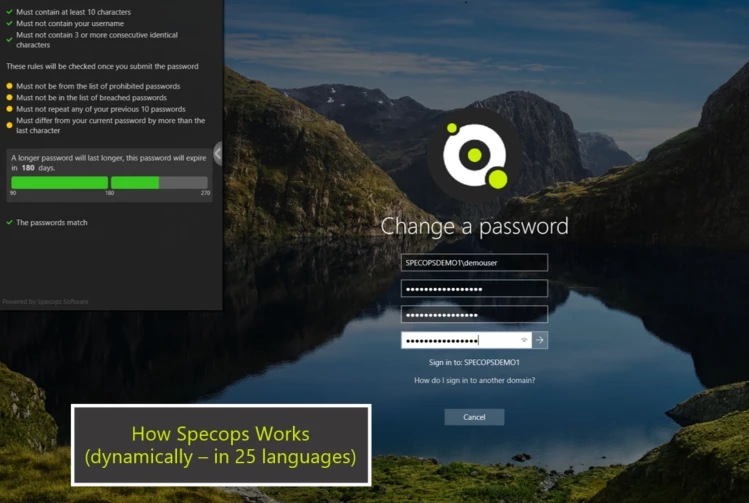
Provides clear guidance to users when creating or changing passwords.

Apply consistent password policies

Ensures all users follow defined security standards.

Capabilities

Advanced password policy enforcement

Extends Active Directory to enforce stronger and more flexible password policies.

Breached password protection

Blocks the use of passwords found in known breach databases.

Custom password rules

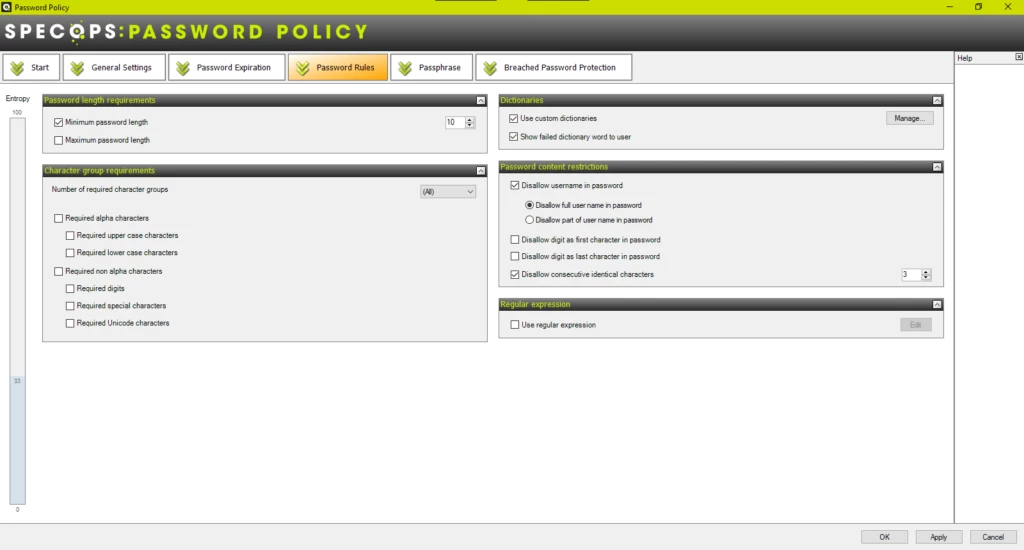
Defines granular password requirements such as length, complexity and banned words.

Passphrase support

Supports longer, more secure passphrases instead of traditional passwords.

Dynamic user feedback

Provides real-time feedback to users during password creation.

Fine-grained policy control

Applies different password policies to users or groups based on requirements.

Continuous password scanning

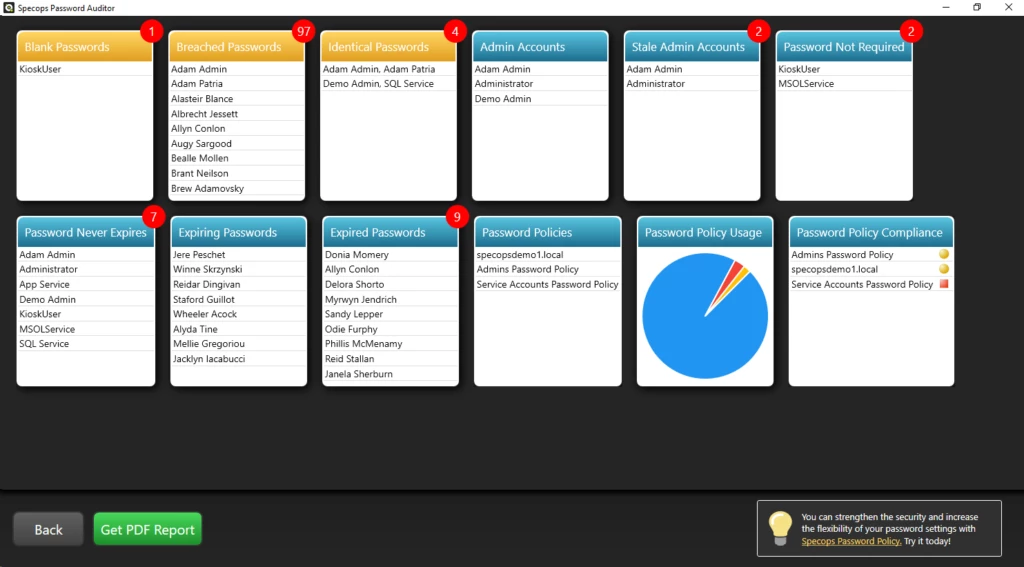
Continuously checks existing passwords against updated breach lists.

Active Directory integration

Integrates directly with AD to enforce policies at the point of password change.

Applications

Enforce strong password policies

Used to ensure users create secure passwords that meet organisational standards.

Block breached and compromised passwords

Prevents users from using passwords that have been exposed in data breaches.

Extend native Active Directory password controls

Used where default AD password policies are not sufficient.

Support passphrase-based security

Encourages use of longer, more secure passphrases.

Improve password security posture

Strengthens protection against credential-based attacks.

Meet identity security and compliance requirements

Supports adherence to password security standards and frameworks.

How we help

Armstrong may support implementation, configuration and ongoing support for Specops Password Policy. Work is typically with central IT or identity teams in Microsoft Active Directory and hybrid environments. Armstrong often helps organisations with larger user populations and those in regulated sectors to integrate the product into existing password-change and self-service workflows.

Resources

Screenshots

How would you like to proceed?