GFI LanGuard
Network discovery, vulnerability scanning and patch management for supported systems.
For networks needing a central view of devices, missing patches and identified vulnerabilities.

Network discovery, vulnerability scanning and patch management for supported systems.
For networks needing a central view of devices, missing patches and identified vulnerabilities.
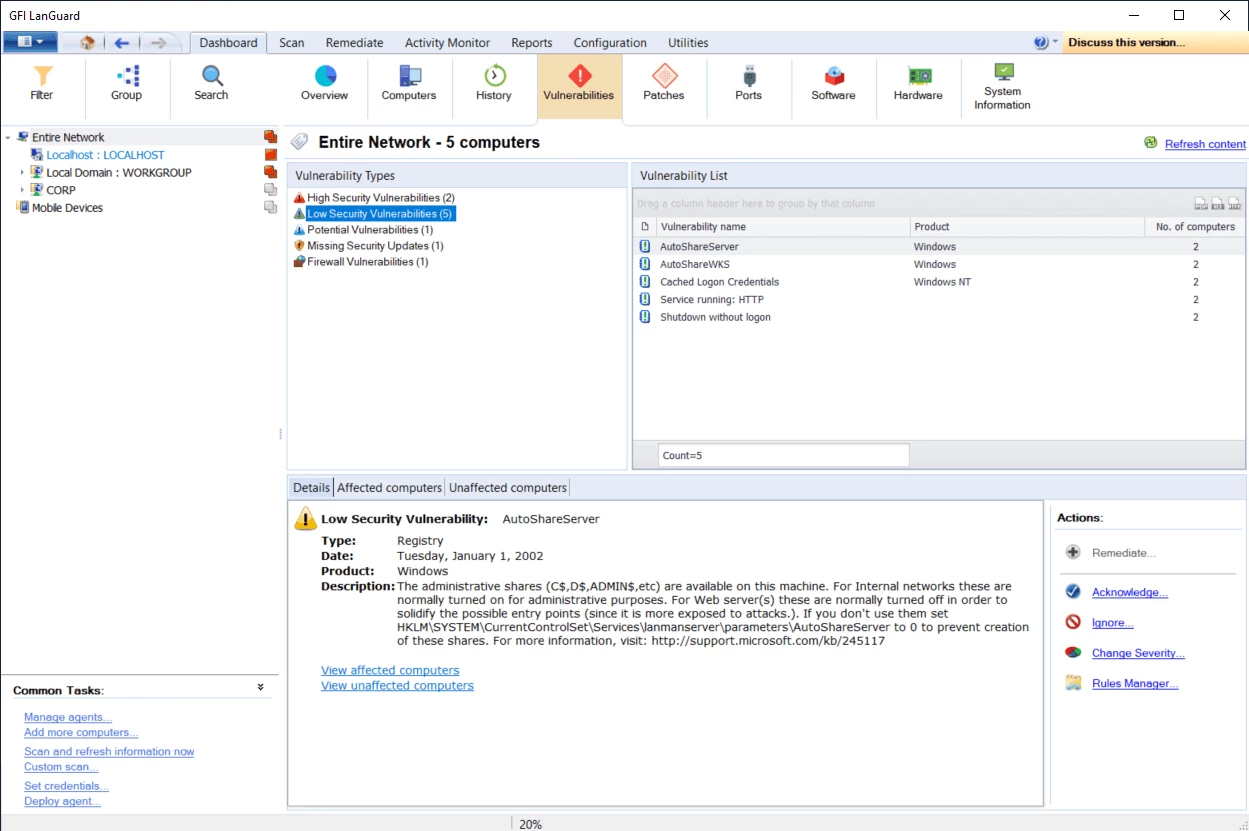
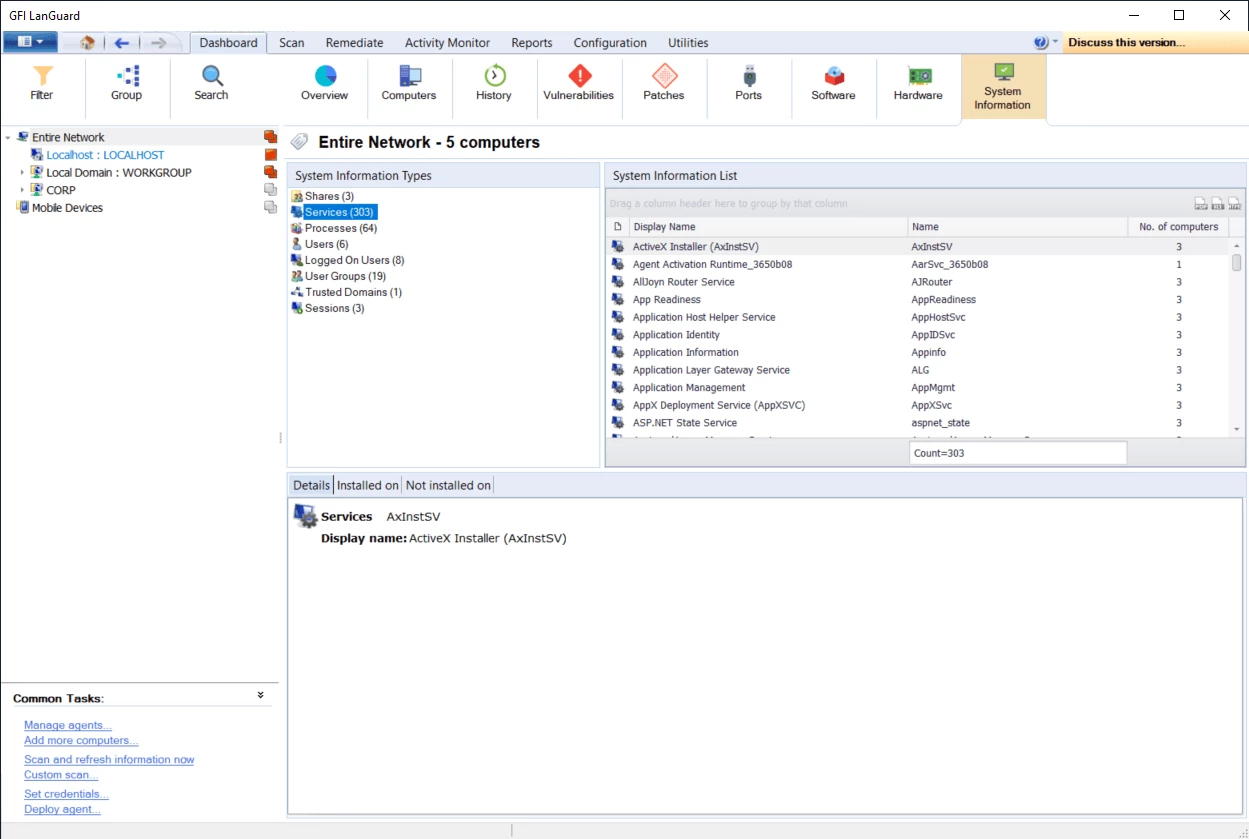
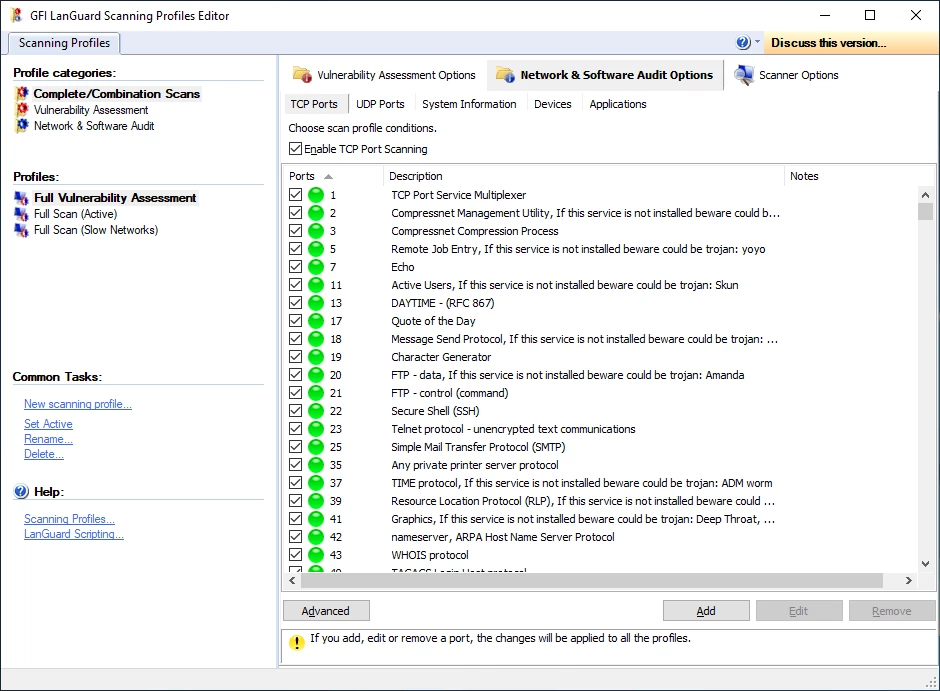
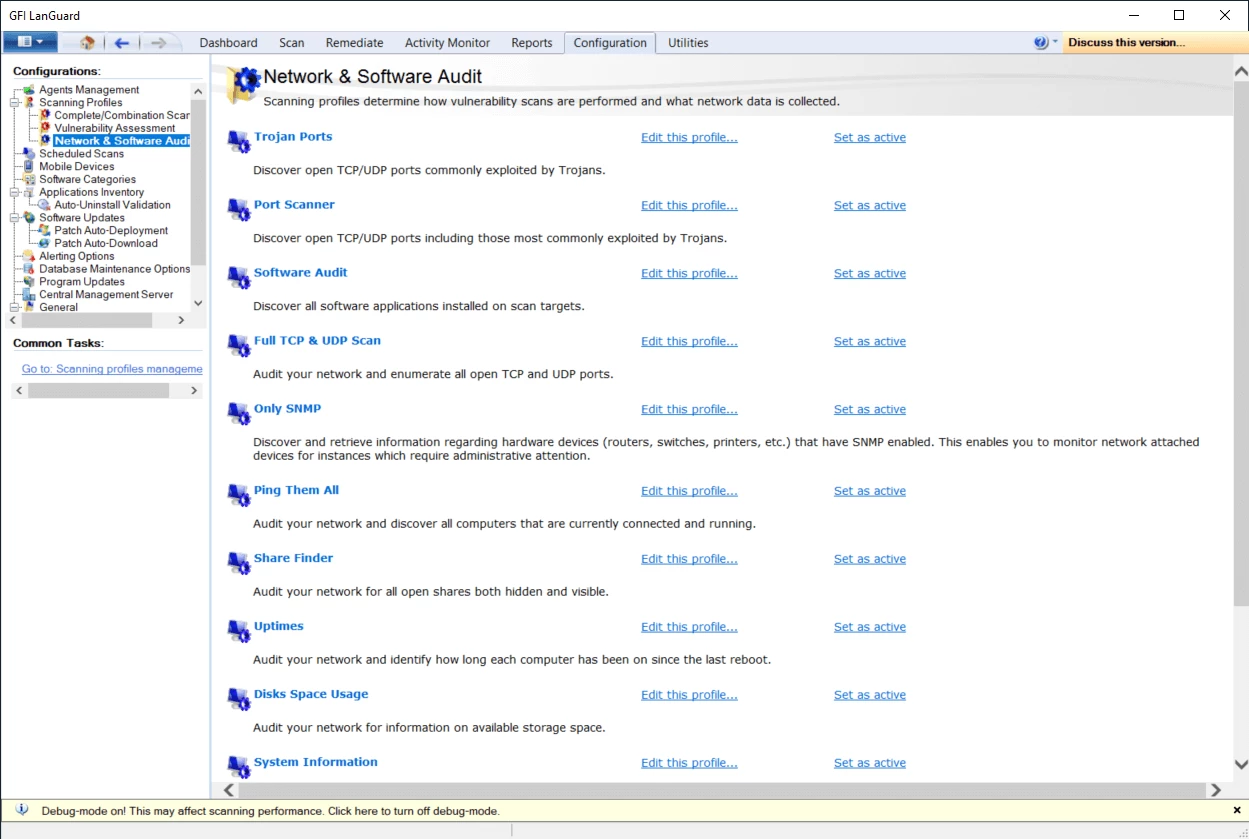
Networks can contain computers, servers, virtual machines and network devices that need to be identified before patching gaps can be assessed. Missing patches are only part of the picture; open ports and system information can also reveal non-patch vulnerabilities.
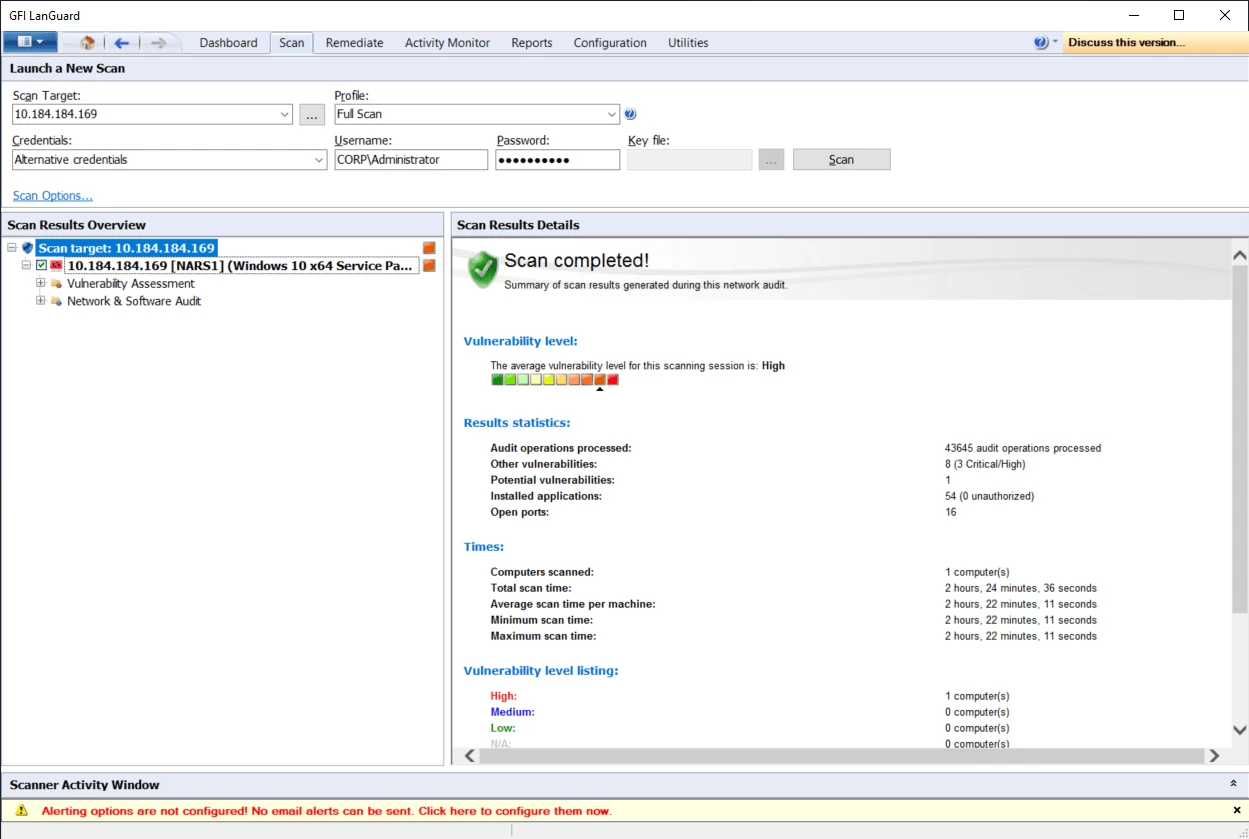
GFI LanGuard discovers connected devices, groups them for management, and scans for missing patches across supported operating systems, browsers and third-party software. It also identifies non-patch vulnerabilities, supports selected patch deployment and rollback, and produces automated network security reports.
GFI LanGuard is suited to reviewing connected devices and identifying missing patches across Windows, Mac and Linux systems. It also supports patching work where administrators need to select patches for central deployment, deploy agents to individual machines, or roll back a patch after an issue is found. Its reporting functions provide network security reports for compliance requirements.
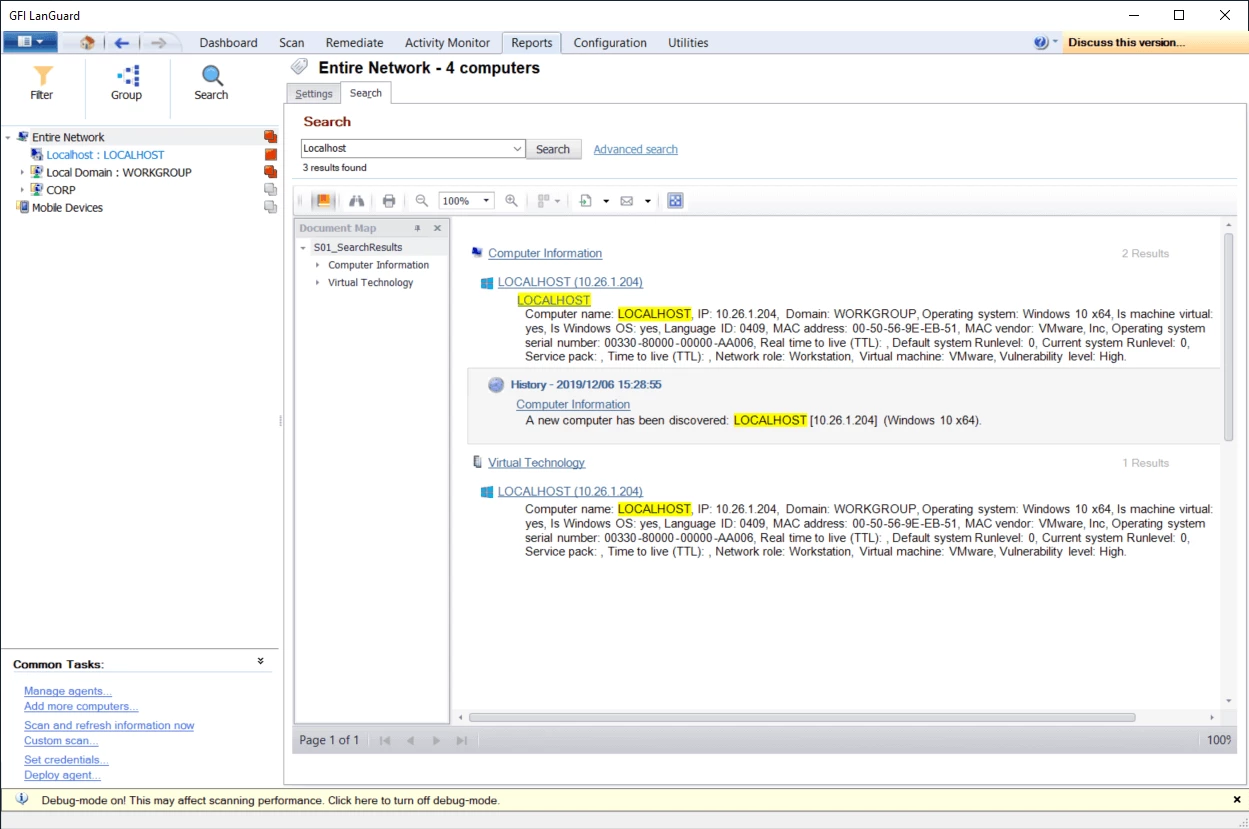
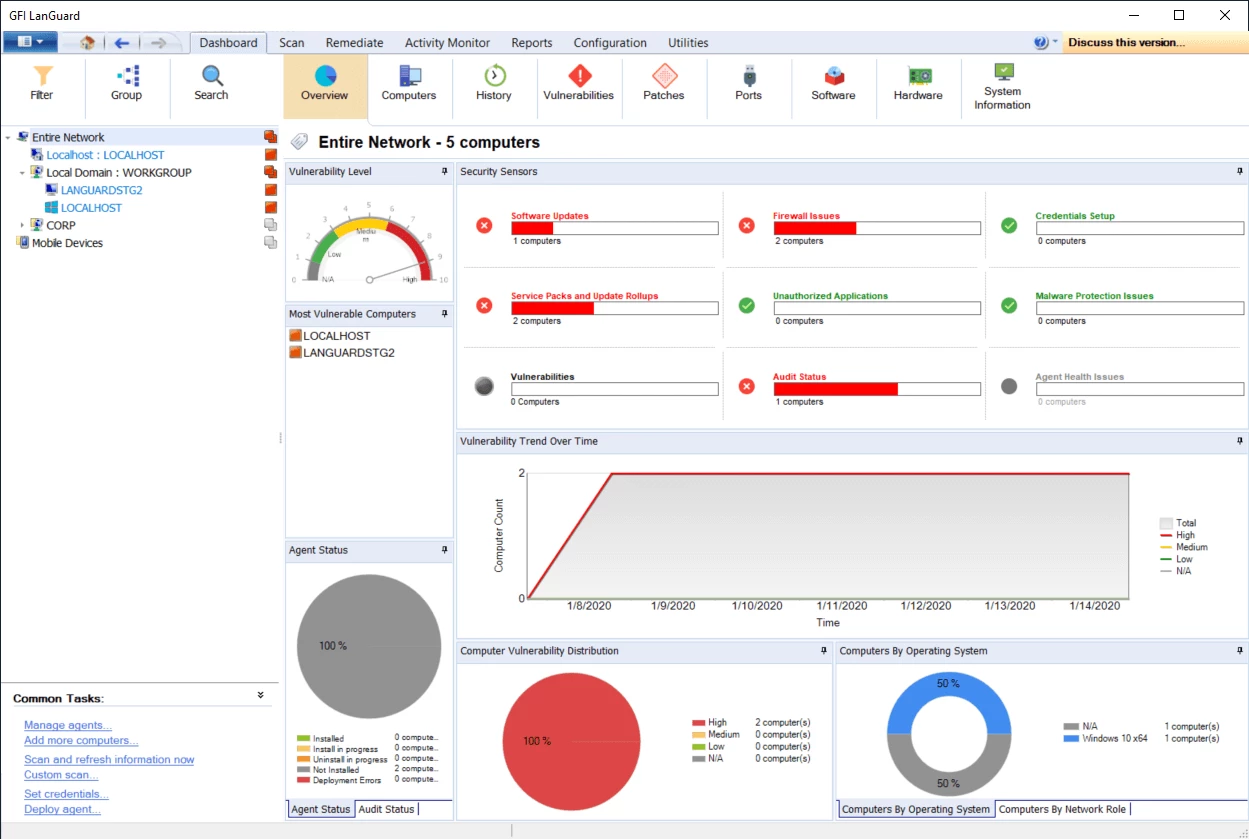
GFI LanGuard applies to networks containing Windows, Mac and Linux systems. Its discovery covers computers, servers, virtual machines, routers, switches, printers and mobile devices, providing a central view of identified network-connected devices.
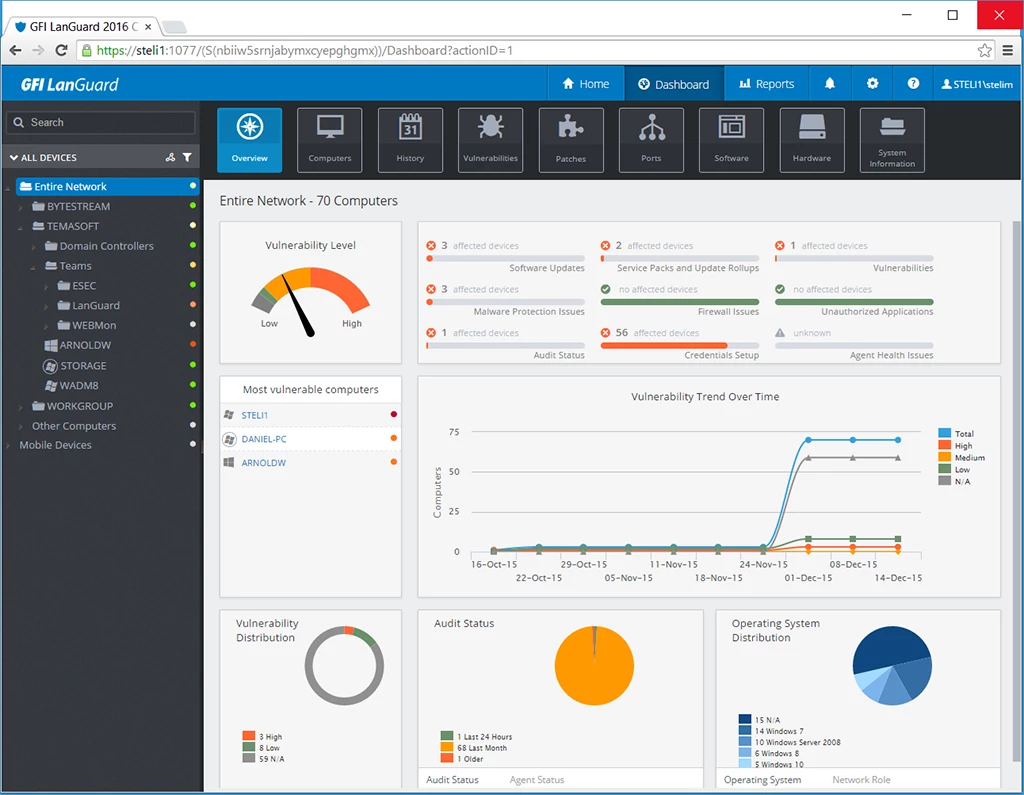
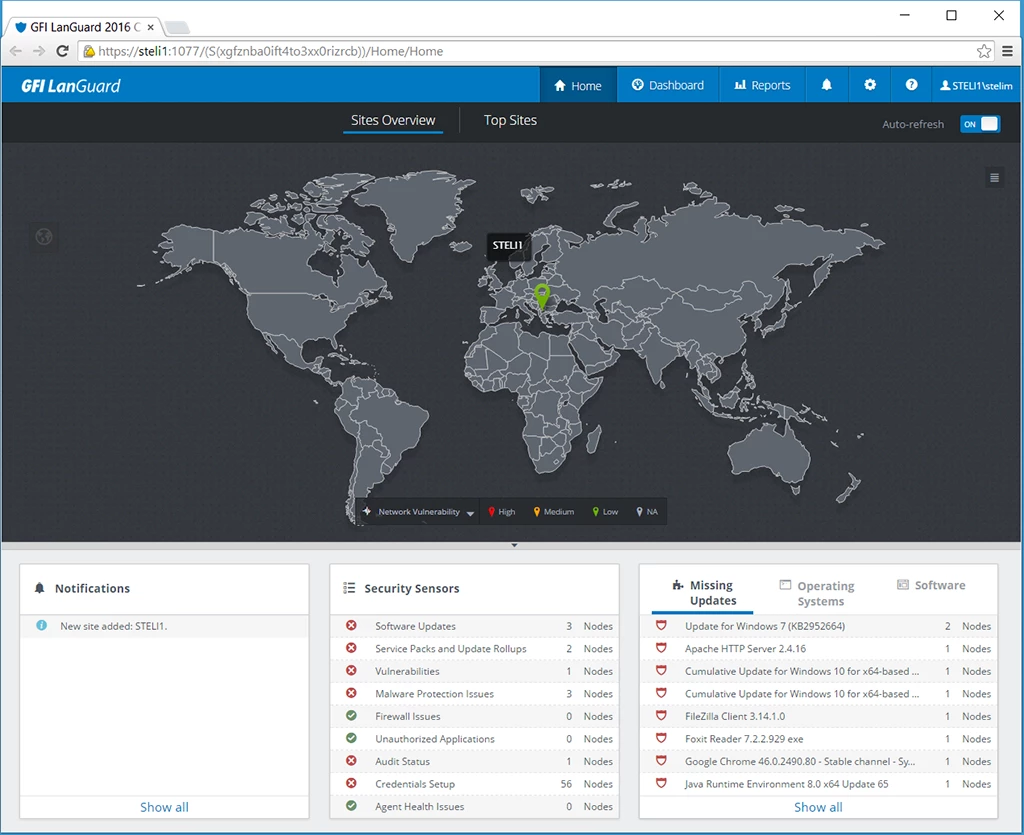
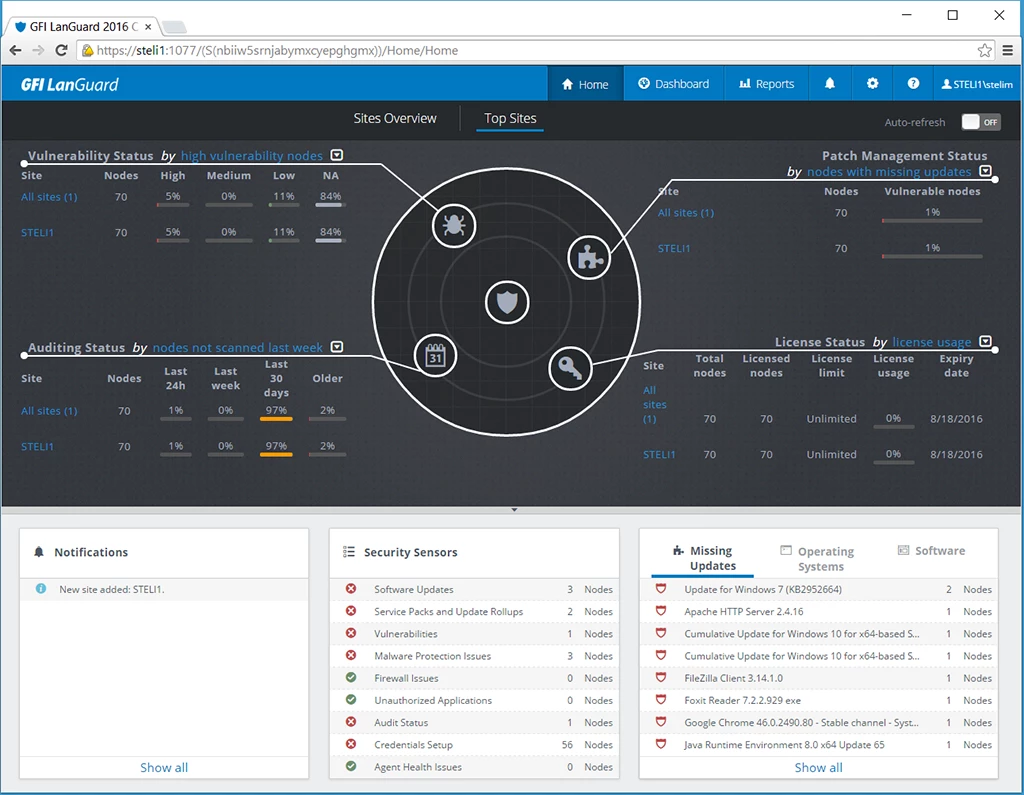
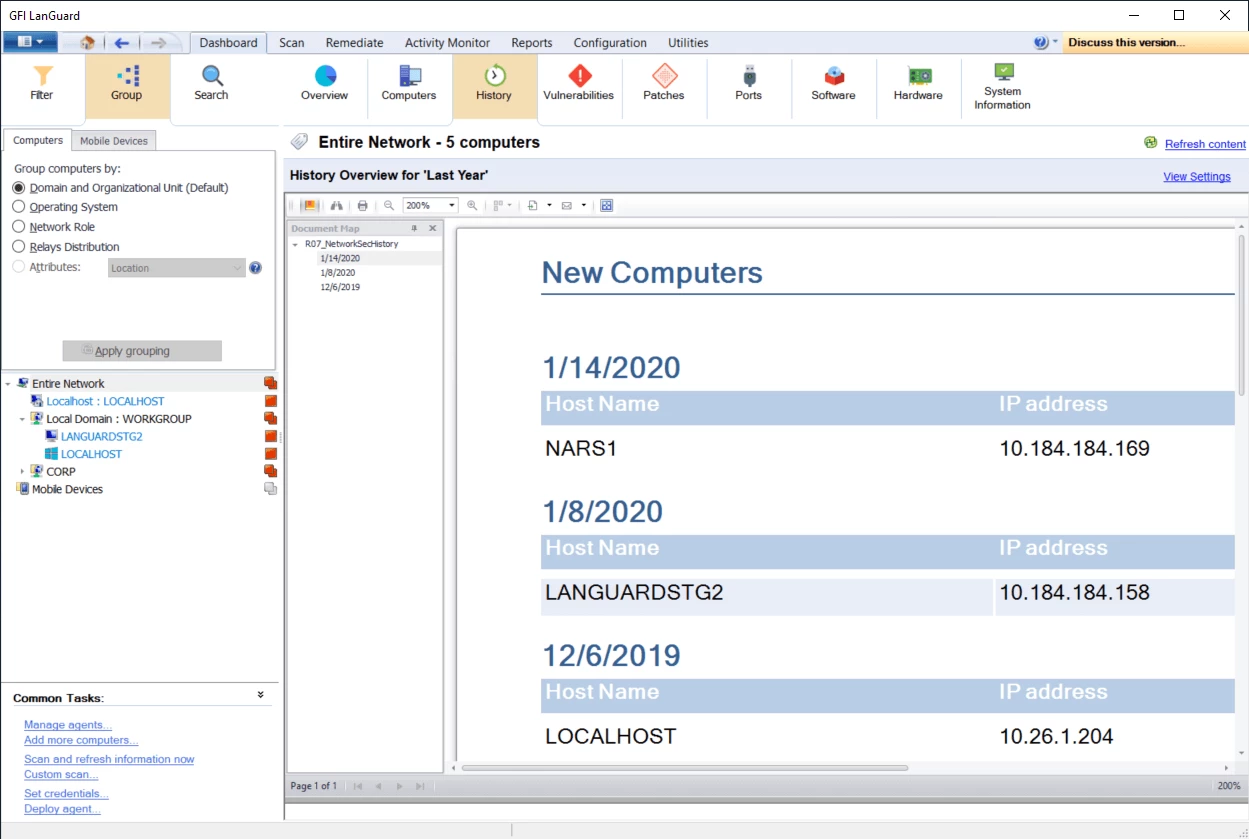
Brings discovered network-connected devices together in a central management dashboard.
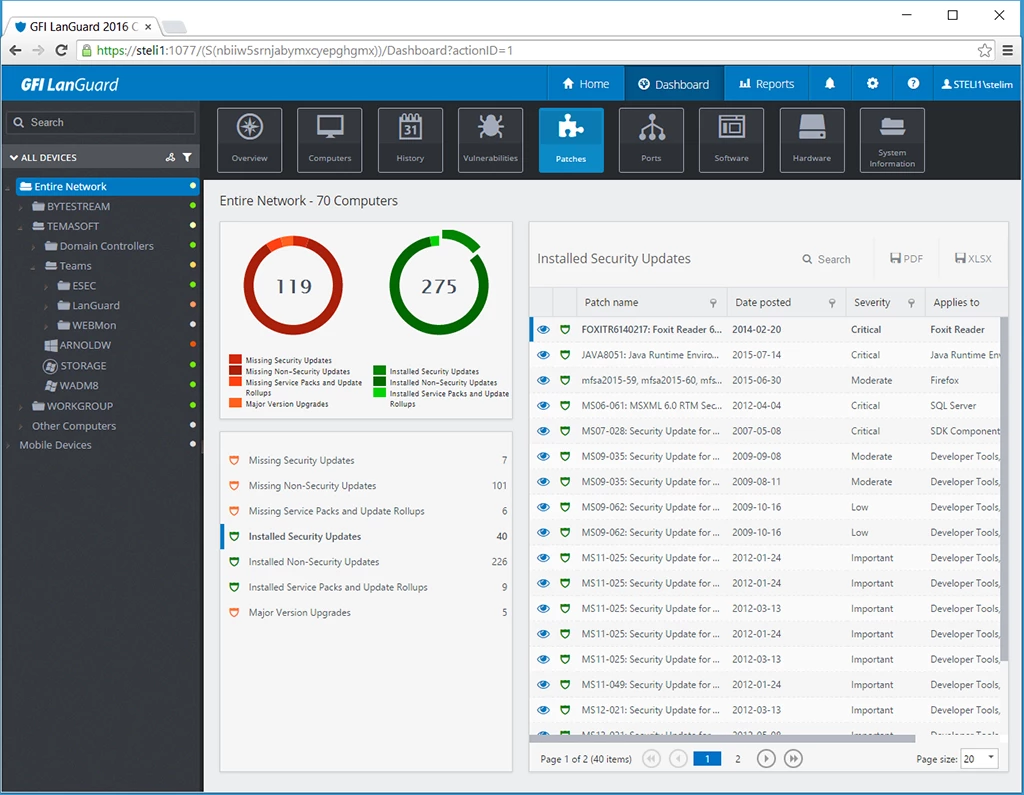
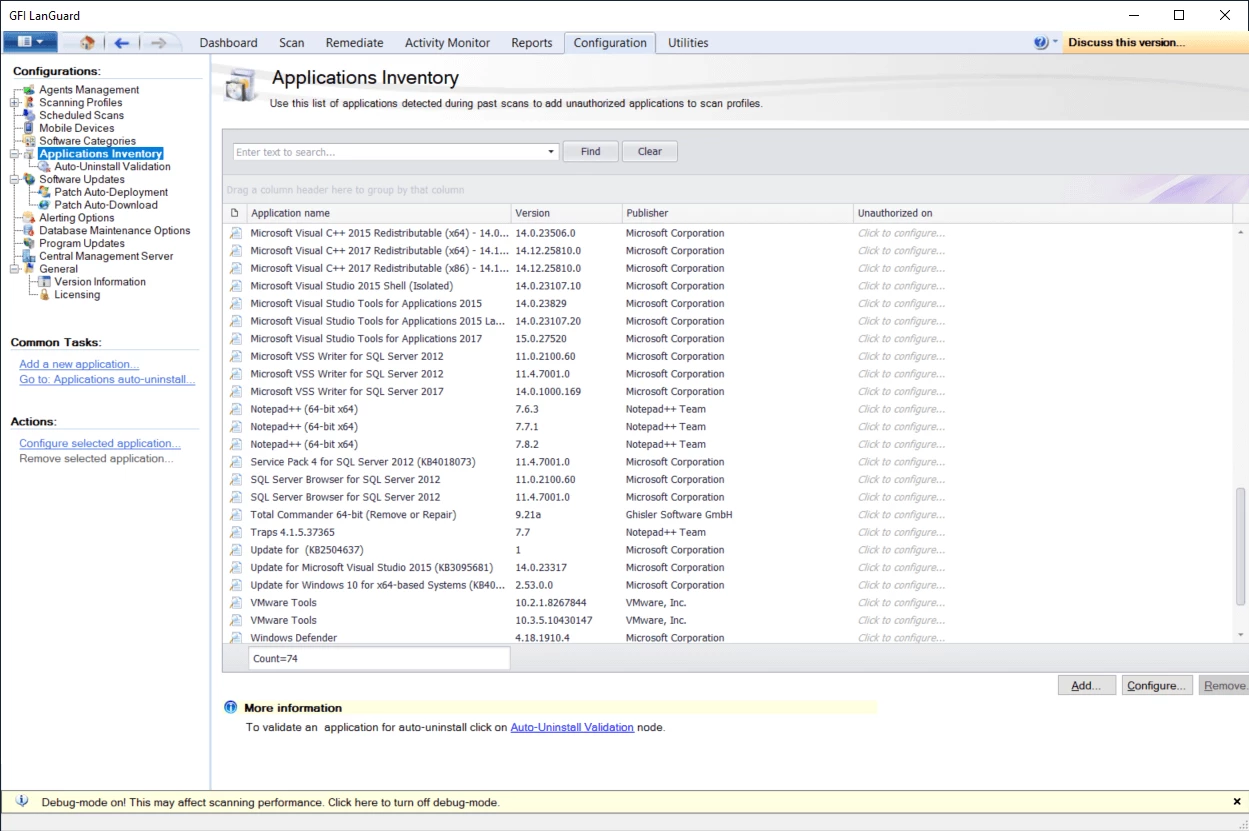
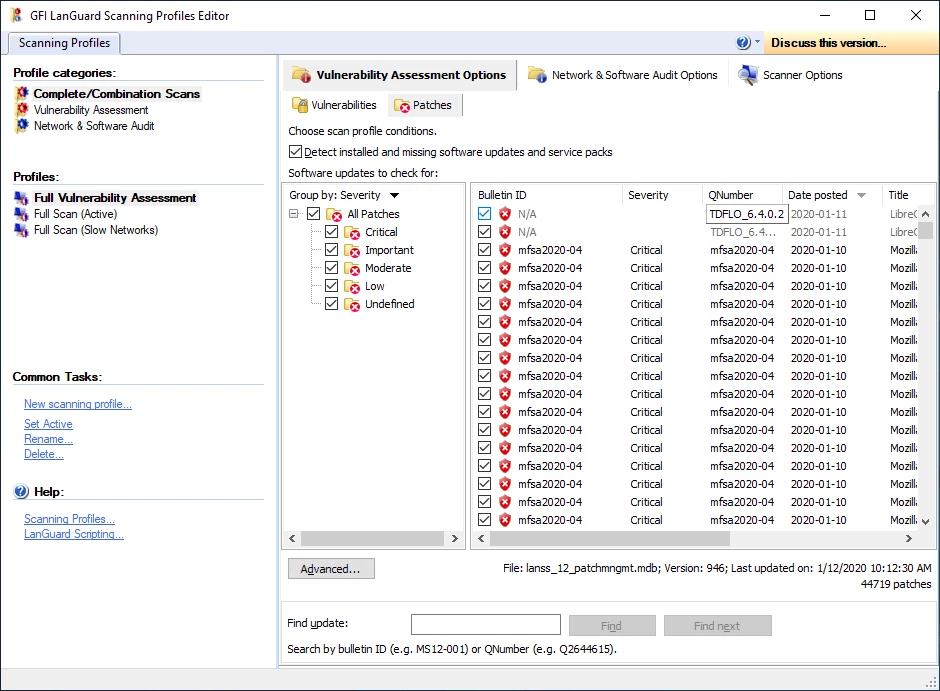
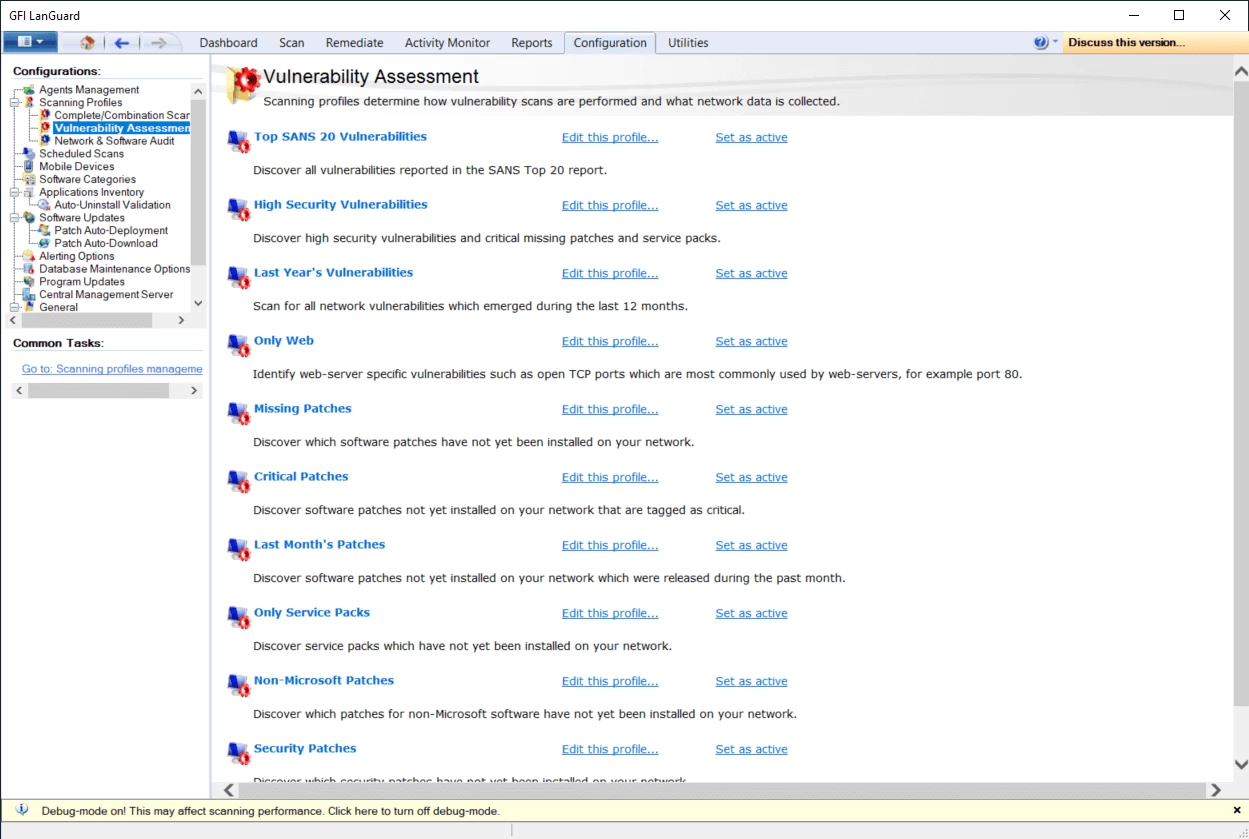
Identifies missing patches across supported operating systems, browsers and third-party software.
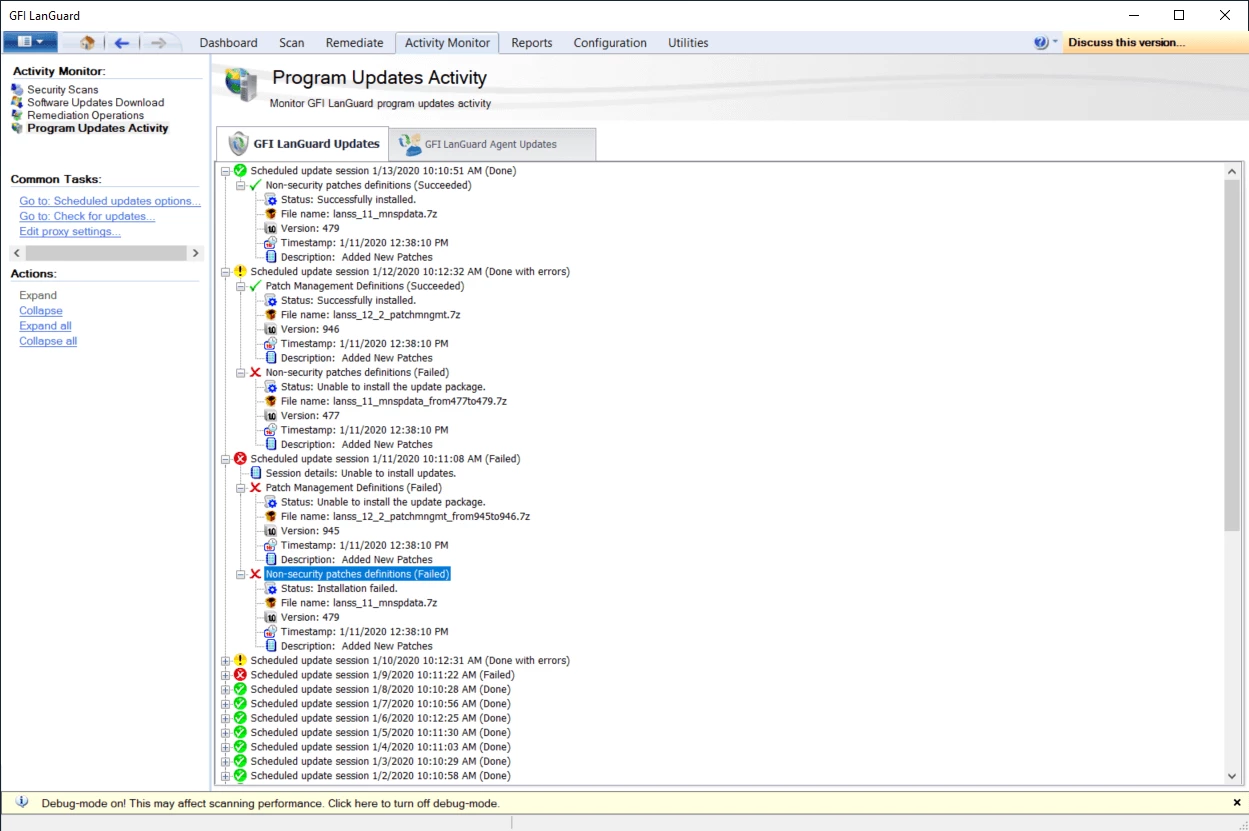
Allows problematic installed patches to be rolled back after they are identified.
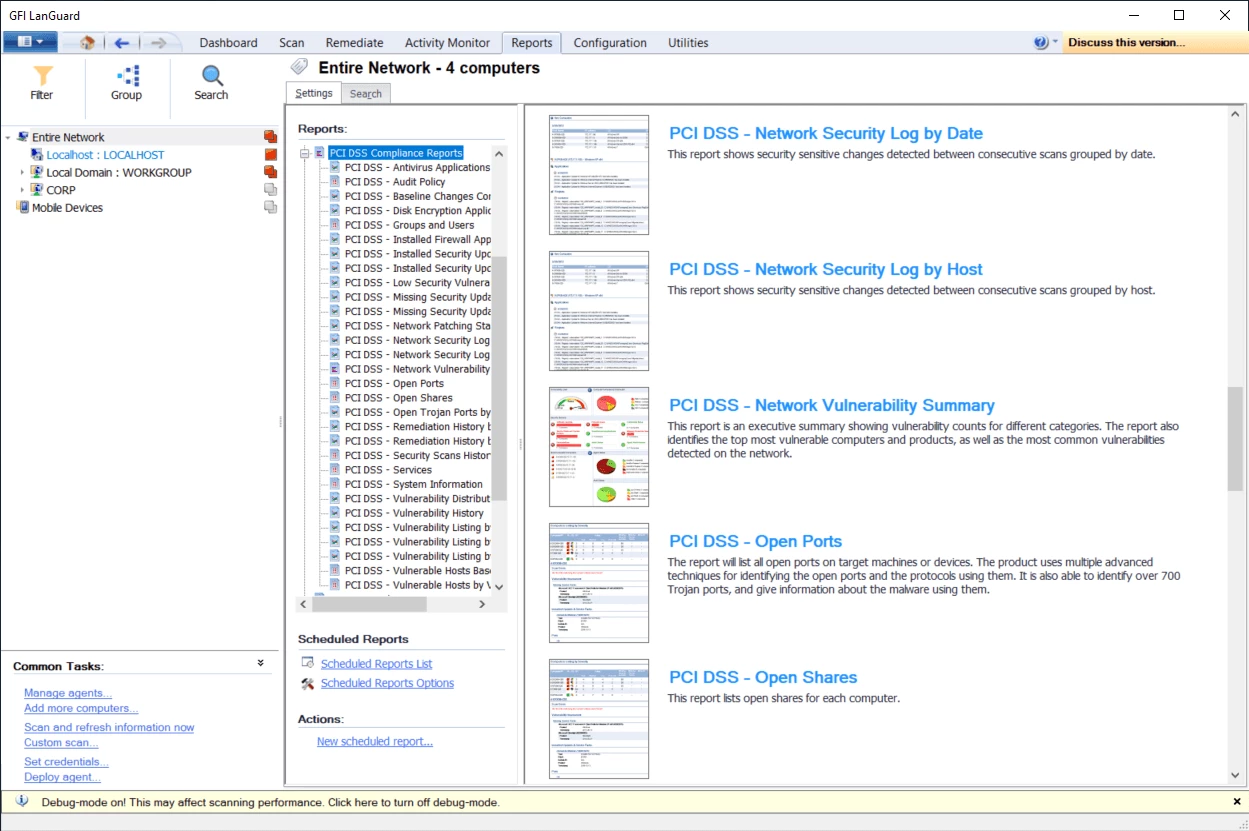
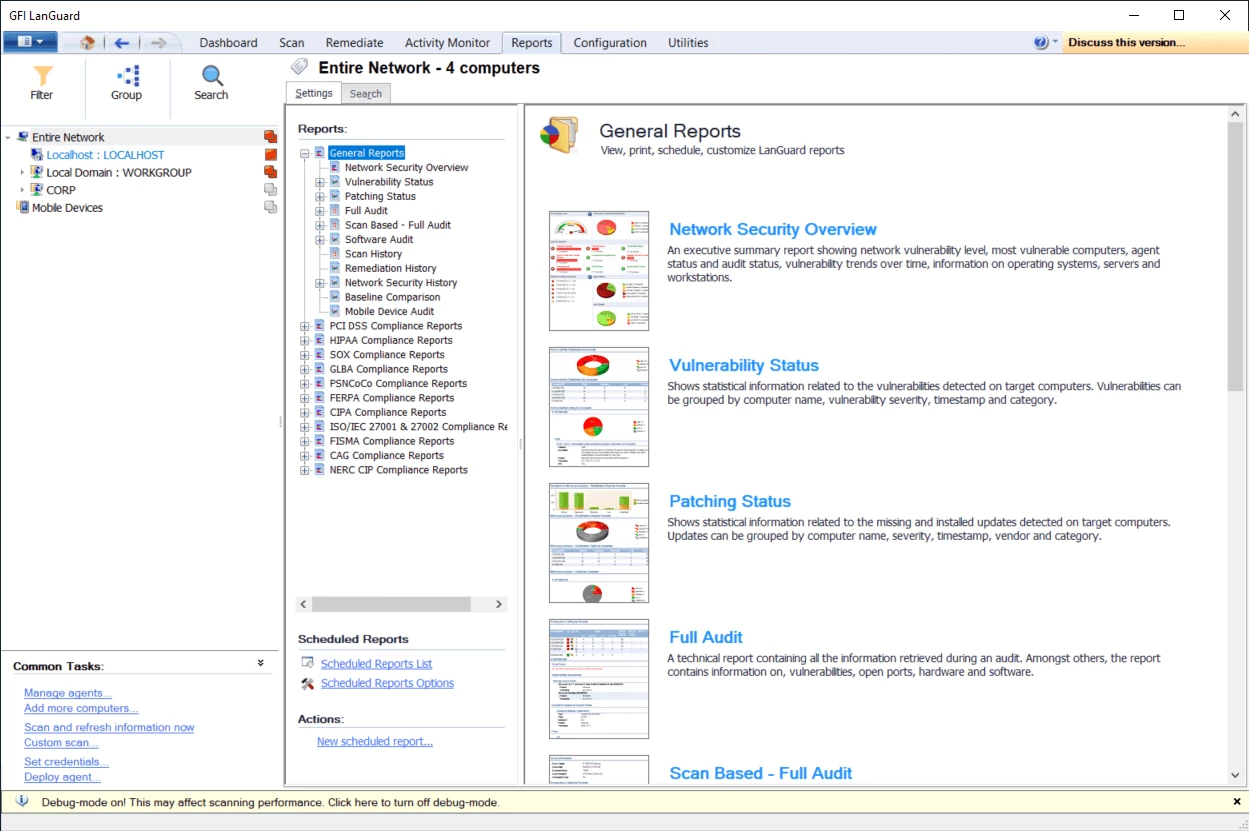
Provides automated network security reports to support compliance requirements.
Discover and group connected devices before reviewing their patch and vulnerability status.
Scan supported systems, browsers and third-party software for missing patches.
Review known issues, open ports and collected system information for non-patch vulnerabilities.
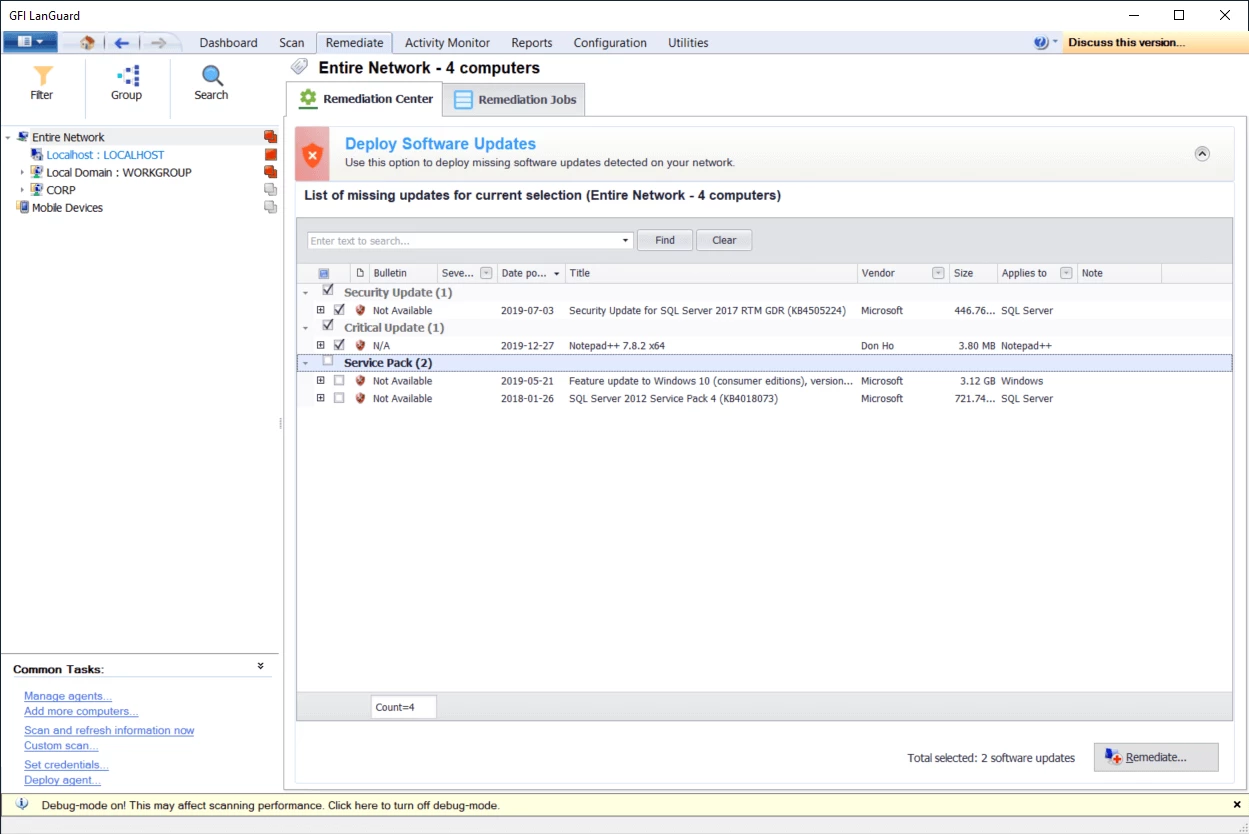
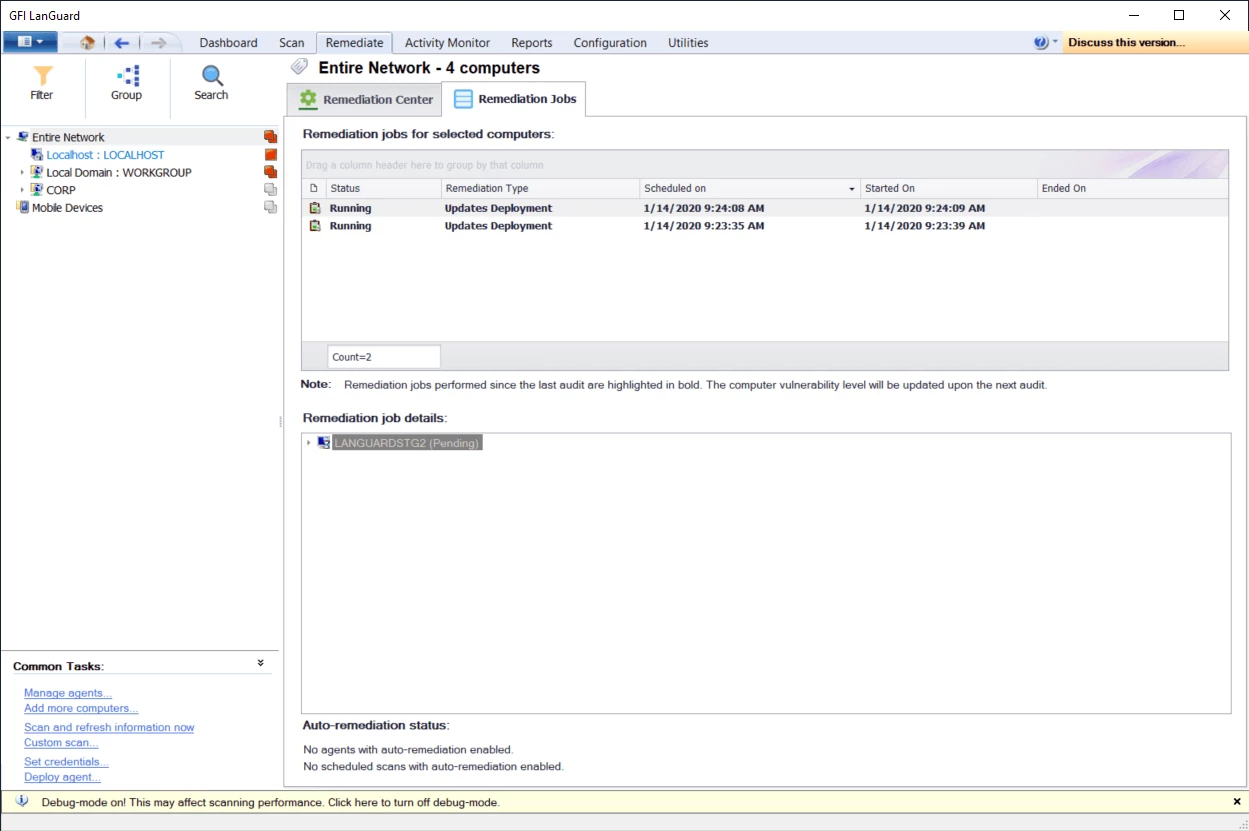
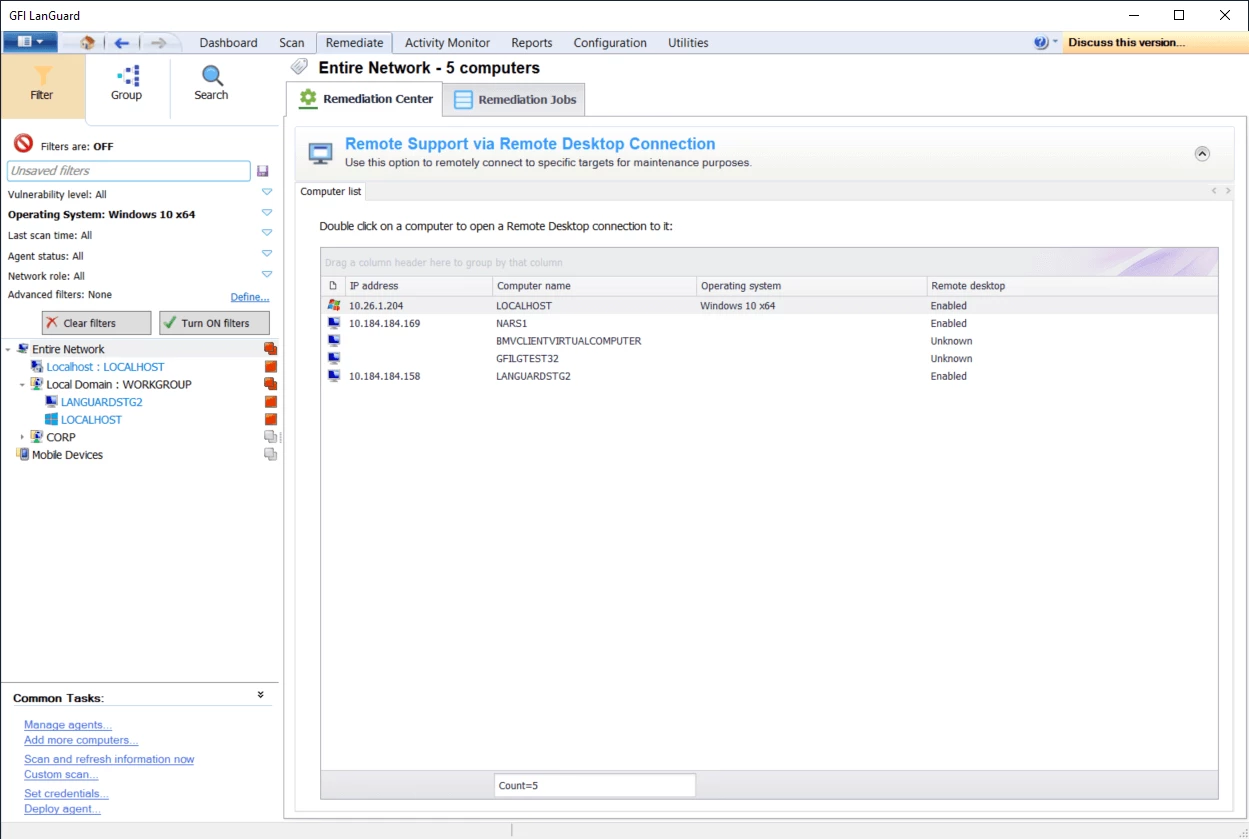
Deploy selected patches centrally or use agents on individual machines.
Generate automated network security reports for compliance requirements.