Kerio Connect
Business email, calendars and collaboration with central web administration.
Suited to email services requiring collaboration, client synchronisation, security, backup and archiving.

Business email, calendars and collaboration with central web administration.
Suited to email services requiring collaboration, client synchronisation, security, backup and archiving.
Business email services need to support more than message delivery. Users also need shared calendars, contacts, tasks and folders, while IT teams need to administer client access, security settings and recoverable mailbox data from a central service.
Kerio Connect combines mail, collaboration and web administration in one platform. It supports desktop, web and mobile access, includes email security tools, and provides automated backup, granular restore and server-wide archiving. Local AI features process email with on-premises language models, without external processing.
Kerio Connect is used to provide organisational email alongside shared scheduling, contacts, tasks, notes and public folders. It supports Outlook, IMAP and POP clients, mobile message synchronisation through ActiveSync, and XMPP-compatible instant messaging applications. Backup, granular restore and server-wide archiving support the preservation and recovery of email content.
Kerio Connect is applicable to on-premises or partner-hosted cloud deployments on Windows, Mac OS or Linux. It provides access through web clients, Outlook for Windows and Mac, IMAP- and POP-compliant clients, Microsoft ActiveSync and XMPP-compatible applications.
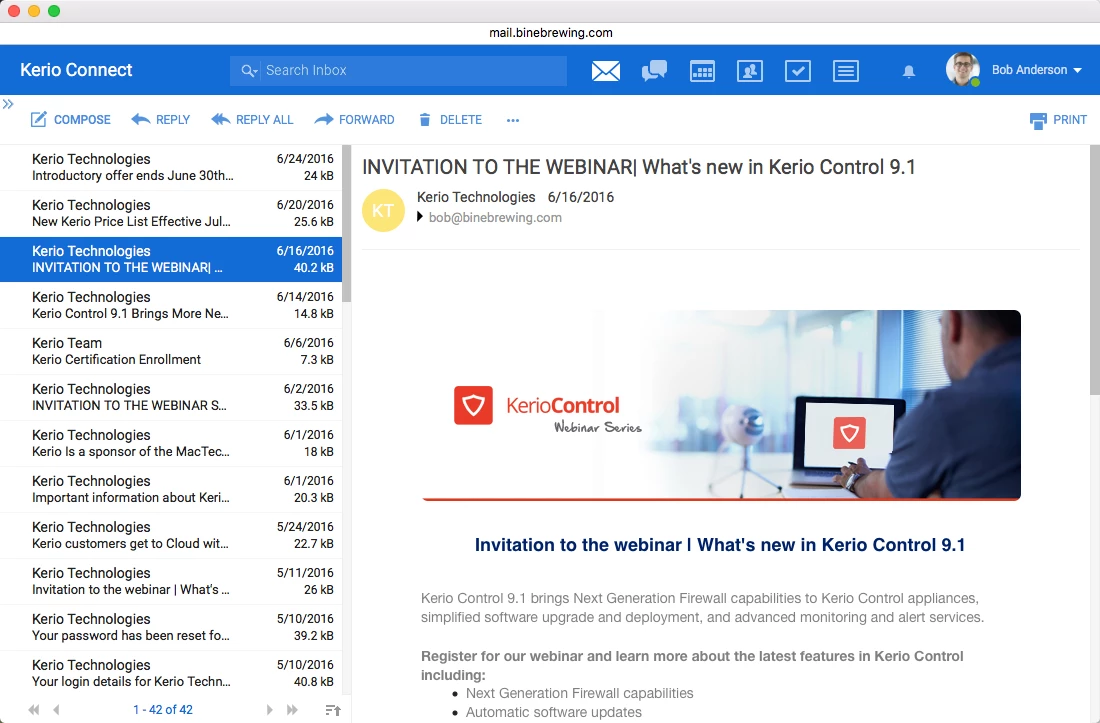
Keeps email, calendars, contacts, tasks and folders available through one collaboration service.
Supports web, Outlook, IMAP, POP, mobile synchronisation and compatible instant messaging clients.
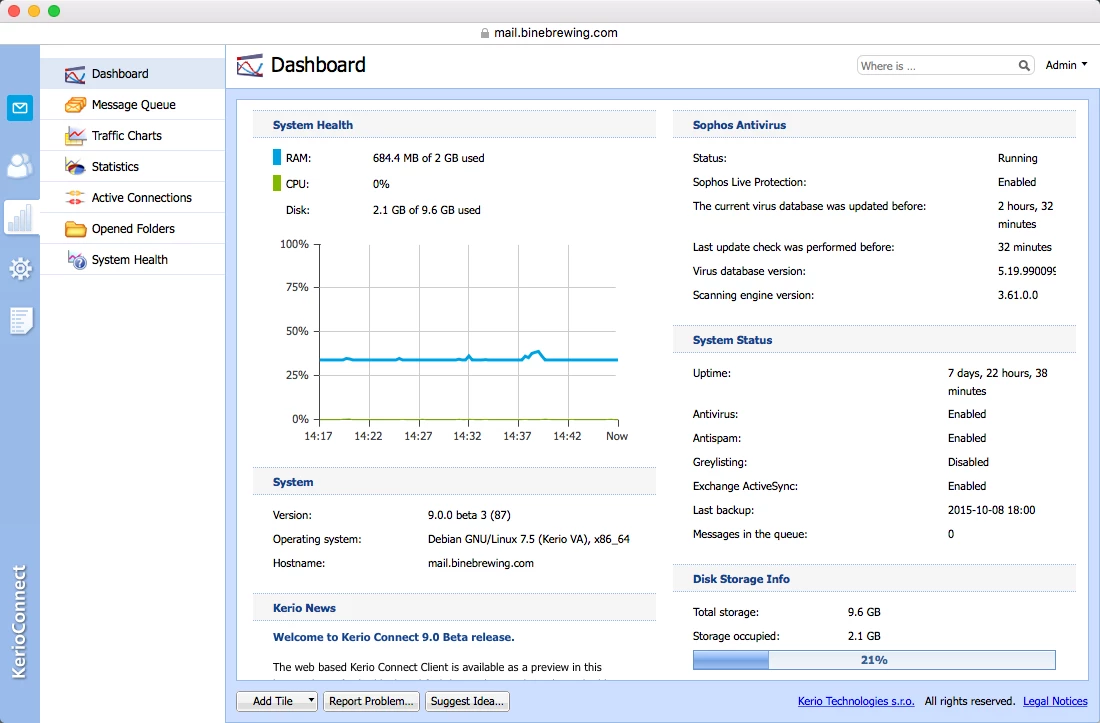
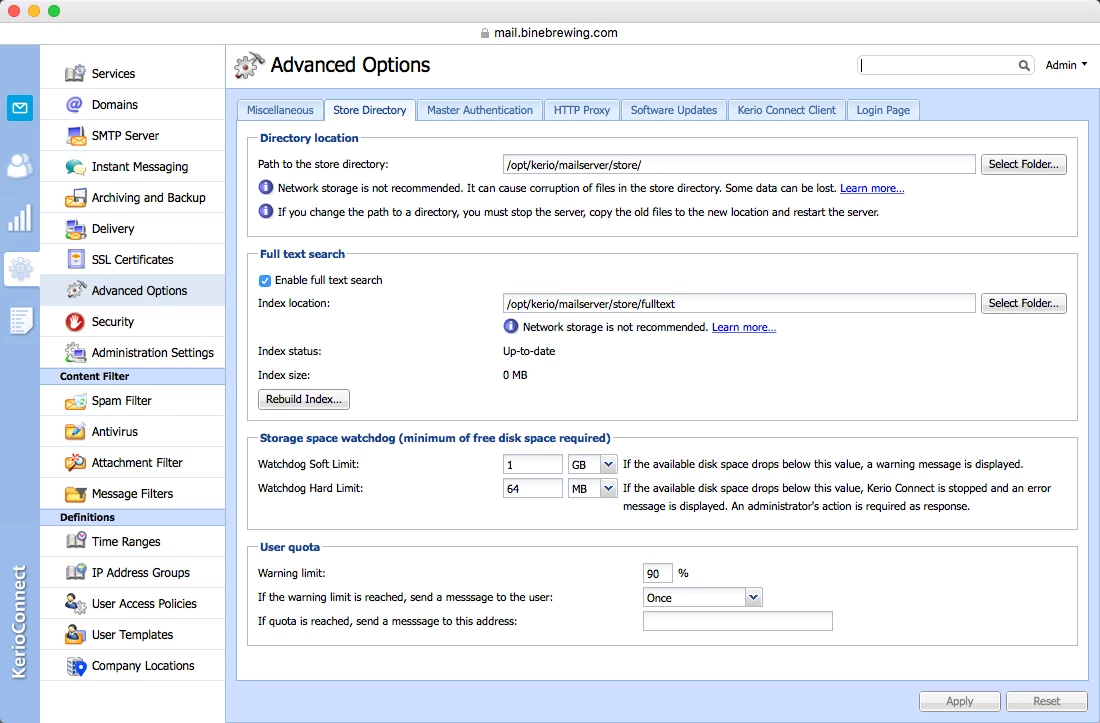
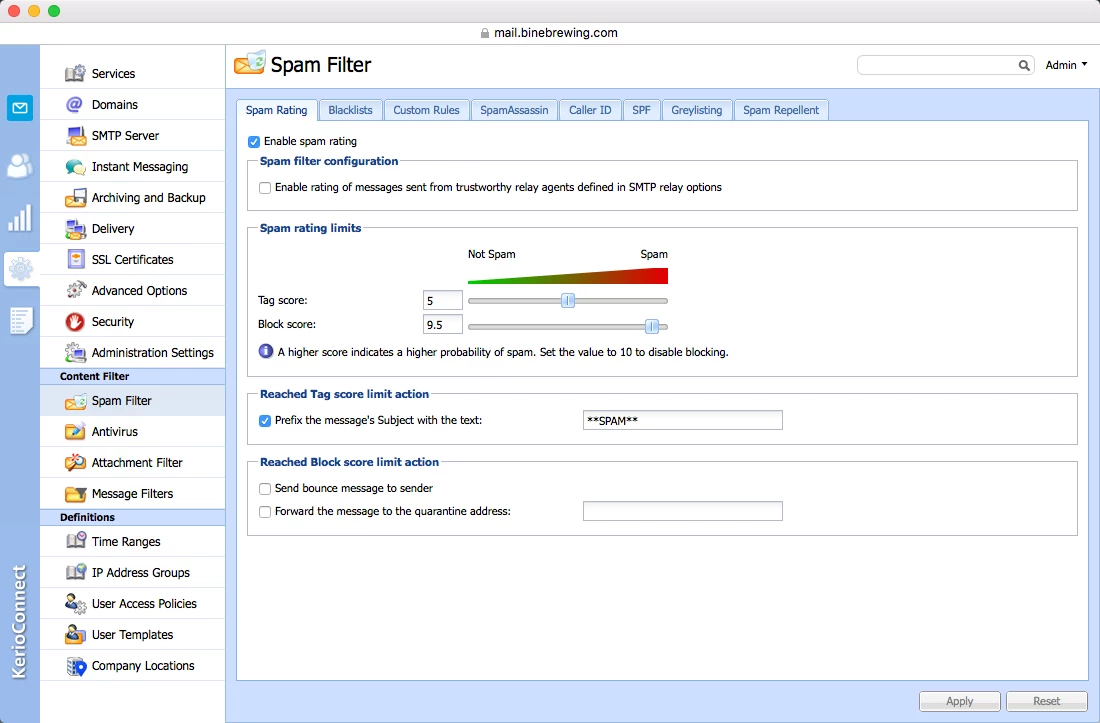
Allows IT teams to configure the service through a web-based administration interface.
Provides automated backups and granular restore options for mailbox content.
Processes AI email functions with on-premises language models without external processing.
Host organisational mailboxes with shared calendars, contacts, tasks and folders.
Synchronise messages to supported mobile devices using Microsoft ActiveSync.
Restore email content from automated backups using granular recovery options.
Archive email server-wide to retain organisational communications separately from live mailboxes.
Summarise messages and draft replies locally using on-premises language models.